Best Skript Examples for Beginners
The quickest way to learn Skript is to run a working script and change it. These ten examples are short, safe for a live server, and each teaches one idea, from events and commands to timers, lists and conditions. Copy them into their own files, reload, and then make them yours.
 SkriptPlugin Editorial TeamIndependent Skript guides
Updated Published 4 min read
SkriptPlugin Editorial TeamIndependent Skript guides
Updated Published 4 min read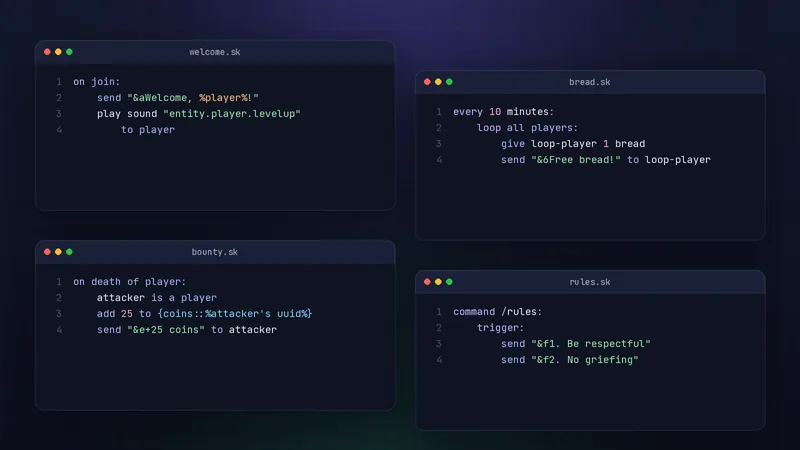
How to use these examples
One file per feature
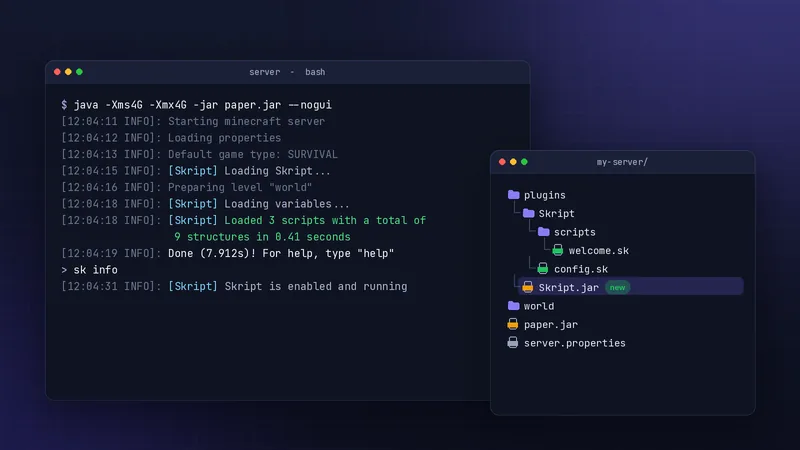
Save each example as its own .sk file in plugins/Skript/scripts/. Separate files make errors easier to trace and let you disable one feature by adding a hyphen to its name.
Change one thing at a time
After each example works, change a message, a number or an item, then reload. Small edits teach the syntax faster than writing from a blank file.
Welcome and join scripts
First-join kit
on first join:
    give player a stone sword
    give player 16 bread
    send "&aWelcome! Here is a starter kit." to player
on first join runs only the very first time a player connects.
Try changing the items to match your server's style: a survival server might hand out a wooden axe and a few torches, while a minigame lobby could give a compass that opens a menu later. Keep the kit small, because players who receive a stack of diamonds on day one tend to skip the early game you designed.
Custom join and quit messages
on join:
    set join message to "&8[&a+&8] &7%player%"

on quit:
    set quit message to "&8[&c-&8] &7%player%"
Setting the join and quit message replaces the default yellow text for everyone on the server. To hide the message completely, for example for staff who log in quietly, set it to an empty text inside a condition such as player has permission "staff.silent".
Useful commands
/rules
command /rules:
    trigger:
        send "&e&lServer rules"
        send "&f1. Be respectful to everyone"
        send "&f2. No griefing or stealing"
        send "&f3. Ask staff if you are unsure"
Each send line is one chat line. &l makes text bold and can be combined with a colour code before it. Keep rules short enough to fit on one screen; players rarely scroll back to read a long list. If you link to a full rules page on your website, put the link last so it stays visible.
/online
command /online:
    trigger:
        send "&7Players online: &f%number of all players%"
Expressions inside %...% are evaluated and inserted into the text. The same pattern works for almost anything Skript can read: %player's world%, %player's health%, or %time in world "world"%. Experimenting with expressions inside a harmless command like this one is one of the safest ways to learn what Skript can see.
Timed events
Free bread timer
every 10 minutes:
    loop all players:
        give loop-player 1 bread
        send "&6Free bread! Stay fed." to loop-player
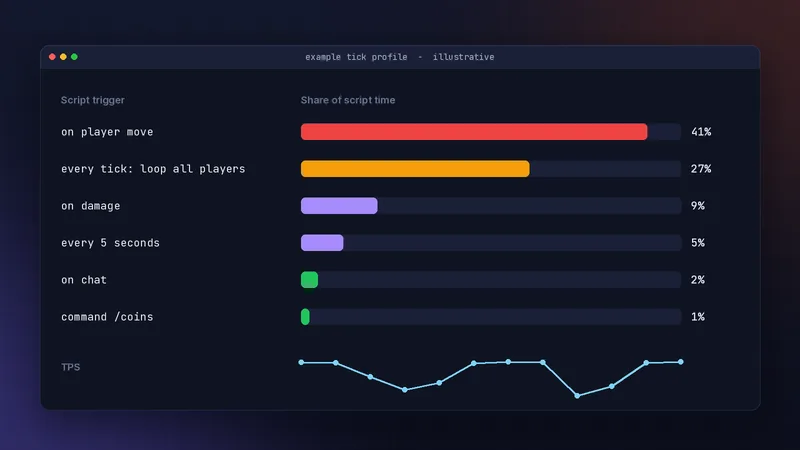
every 10 minutes starts counting when the script loads, so a reload resets the timer. Inside the loop, loop-player is the player for that pass. Ten minutes is deliberately gentle; a timer that runs every few seconds and loops all players is the pattern our performance guide warns about.
Auto announcements with a list
on load:
    delete {-tips::*}
    add "&eVote daily with /vote" to {-tips::*}
    add "&eRead /rules before building" to {-tips::*}
    add "&eFound a bug? Tell a staff member" to {-tips::*}

every 5 minutes:
    broadcast random element out of {-tips::*}
The hyphen keeps the tips in memory only, and on load rebuilds them whenever the script loads. Because the list is rebuilt from the script, editing a tip is as simple as changing the text and reloading. Add as many add lines as you like; random element out of picks one each time, so players see variety without a fixed order.
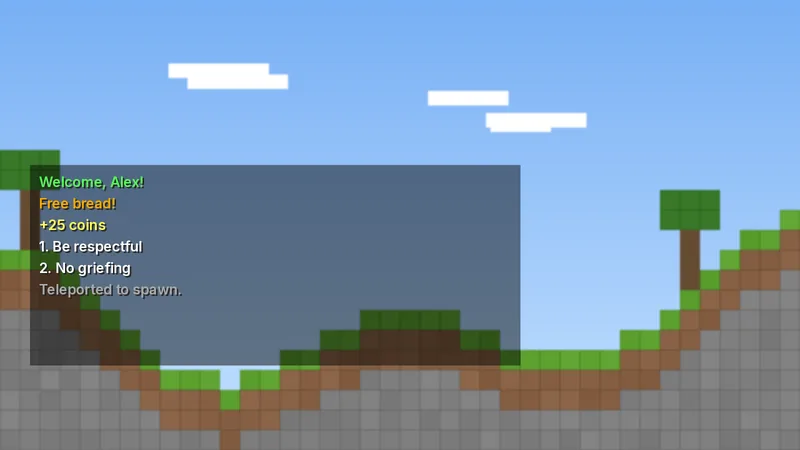
Gameplay tweaks
Kill bounty
on death of player:
    attacker is a player
    add 25 to {coins::%attacker's uuid%}
    send "&e+25 coins for the kill" to attacker
A condition written on its own line, like attacker is a player, stops the trigger when it is false. Without it, deaths from mobs, lava or fall damage would try to pay a reward to something that is not a player. Pair this with a /coins command so players can check their balance, and store the value by UUID so it survives name changes.
Restrict TNT
on place of tnt:
    player does not have permission "build.tnt"
    cancel event
    send "&cTNT is disabled on this server." to player
cancel event stops the block from being placed. Because the permission check comes first, builders you trust can still use TNT once you grant them build.tnt. The same three-line shape works for any item you want to restrict: change tnt to lava bucket or end crystal and adjust the message.
Next steps
Combine examples into a small system
Put the bounty, a /coins command and the daily reward from the commands guide together and you have a basic economy. Then read variables explained to store it properly.
Where to learn more
The official documentation lists every event, condition, effect and expression for your version. When something breaks, start with how to fix common errors.
Frequently asked questions
Are these Skript examples safe for a live server?
Yes, they use core Skript only and do light work. Still, test new scripts on a copy of your server first and give staff commands a permission line.
Do I need addons for these examples?
No. Every example uses syntax built into Skript, so they work on a fresh install of a current release on Paper.
How do I turn an example off?
Rename the file so it starts with a hyphen, for example -bread.sk, then run /sk reload scripts. Skript skips files whose names start with a hyphen.
Written and checked by the SkriptPlugin Editorial Team against Skript 2.16.2 on Paper. Syntax can change between releases, so confirm details in the official documentation for your version. Read our editorial policy.